

AI job search: resumes and interviews with ChatGPT or Claude
My AI job search workflow: tailor a resume to a role, check readability and prepare for interviews. Includes 21 prompts that work with your actual experience.
The NexAI guide library
Choose a guide, open it, and start applying it.
Showing 12 guides

My AI job search workflow: tailor a resume to a role, check readability and prepare for interviews. Includes 21 prompts that work with your actual experience.

My guide to the Marketing Skills library: choose skills, install them in Claude and OpenAI environments, and build a marketing workflow with 9 prompts and factual checks.

I tried building a family tree with ChatGPT. Follow my four-step workflow to collect memories, research a surname, look for records and create a diagram.

Try "one prompt, finished video" and you get a generic clip. The prompt is only 10% of the result: motion rules, a real brand, references, sound and a critique loop do the rest.

I ran find-skills and its CLI on my machine: how to install it, how to search, what to check before installing a Skill, and what the install counts really show.

Session memory, context compression, model routing and project recommendations. Choose the addition that addresses your actual problem.

Find the Guest Pass link, check who can use it, and understand the trial terms. A step-by-step guide with screenshots.

A practical workflow for editing talking-head video with Codex and Remotion, including transcription, silence cuts, captions, approval checks, and copyable prompts.

Build a five-second AI sign reveal that preserves the original image, with a reusable prompt structure, motion rules, QC checklist, and fixes.

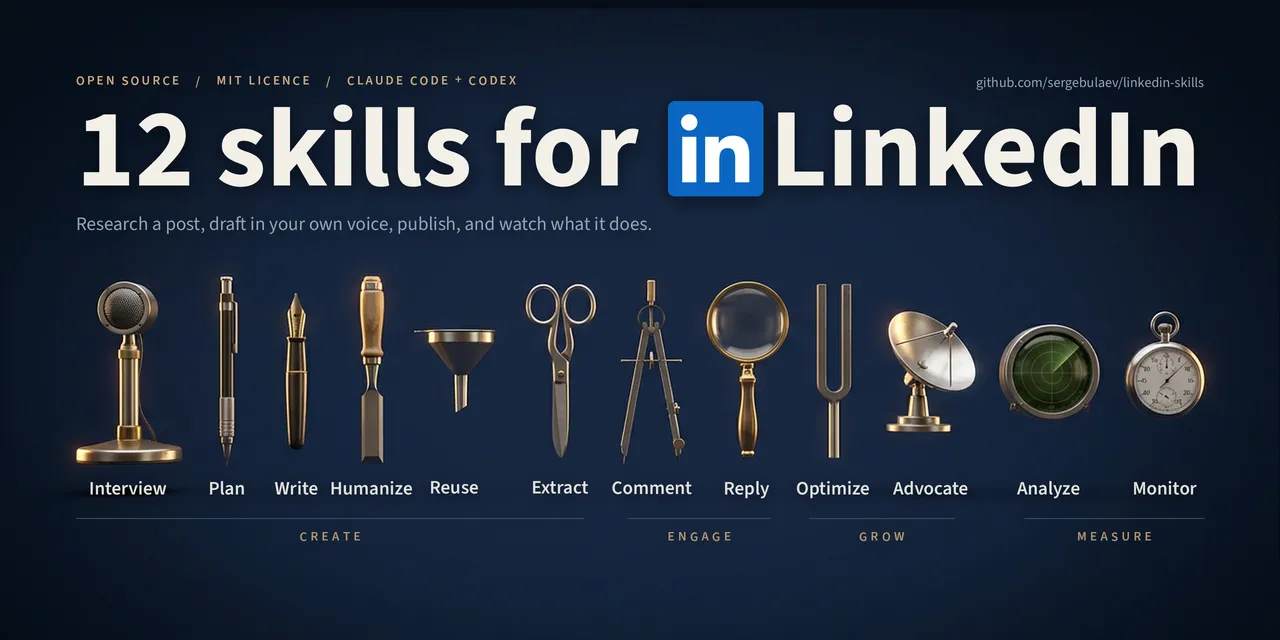
Install LinkedIn Skills, choose the right tool for each task, and move from raw ideas to reviewed LinkedIn drafts without losing your voice.

A practical shortcut library for writing, research, learning, marketing, and productivity, with one-click copying.
Separate setup, software, and maintenance costs, then estimate payback before you commit.
No guides match these filters.
Begin with the result you want to improve: reduce manual work, design a repeatable ChatGPT workflow, connect systems, or evaluate an AI use case before implementation. Each guide provides context, practical steps, and limitations to consider. Choose one workflow, read the relevant guide, and translate each stage into a small task that your team can verify.
Before implementation, name the process owner, decide which information may enter the tool, and define an acceptable outcome. Start with representative examples and a limited scope, record failures and exceptions, and compare performance with the current way of working. If the workflow makes a sensitive decision or takes an action that affects a customer, keep an explicit human approval step.
The library is maintained in Hebrew and English. You can switch languages, save the page that fits your team, and return to it during implementation. A guide is a starting point; adapting it to your systems, permissions, and operating procedures is what turns the information into a dependable solution.
To choose what to read next, identify where the team loses the most time and where a manual error creates the greatest risk. A strong pilot is repetitive, uses information you already control, and lets you measure time, quality, and exception rates before and after the change. This keeps implementation focused and makes the business value clear to teammates who do not work with AI tools every day.