
AI
AI marketing skills: a practical guide for Claude, ChatGPT and Codex
My guide to the Marketing Skills library: choose skills, install them in Claude and OpenAI environments, and build a marketing workflow with 9 prompts and factual checks.
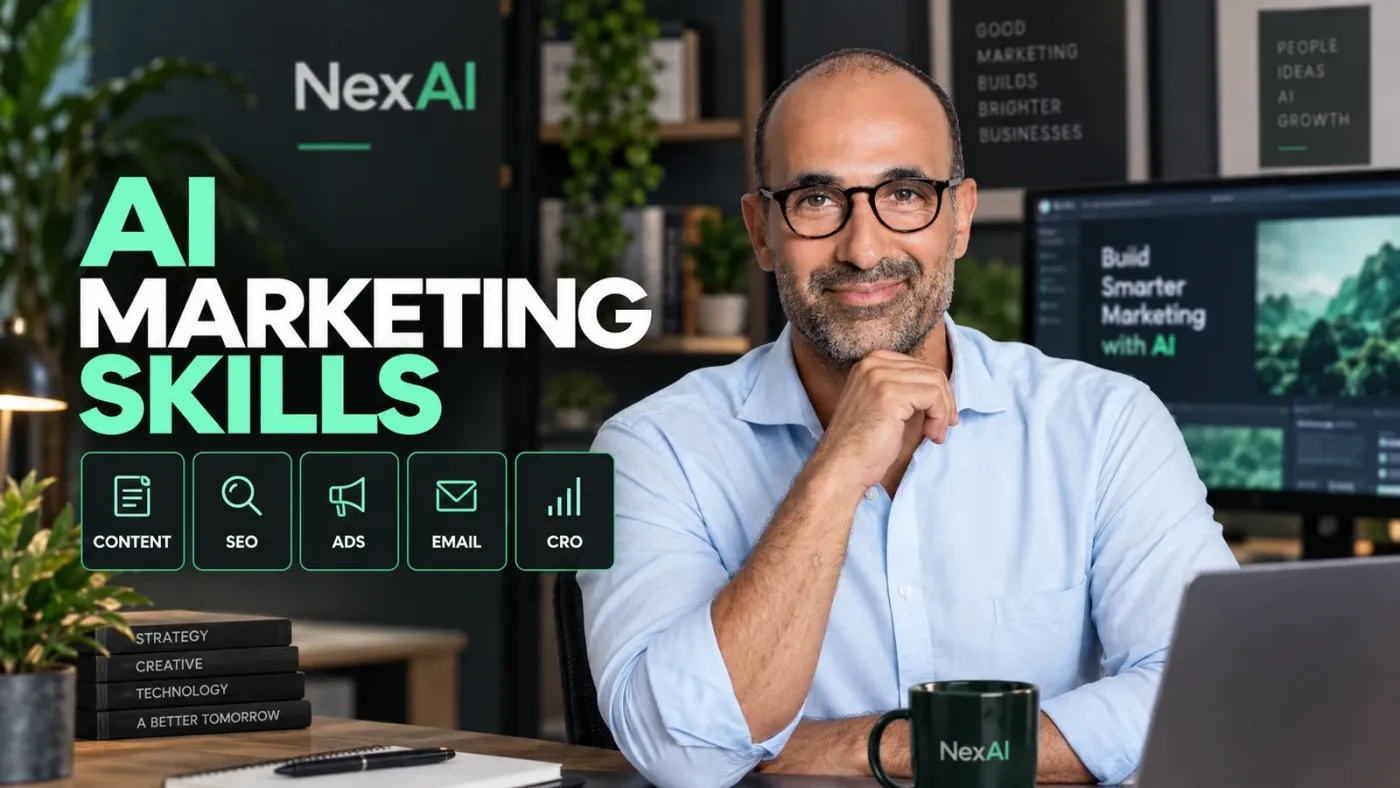
Corey Haines's Marketing Skills library packages marketing workflows for AI: service-page copy, content planning, ads, email and SEO. I worked with the library in my NexAI project. This guide explains how to choose skills, install them and use them with the actual material from your business.
When I checked the repository for this guide on October 12, 2026, it contained 50 skill folders. That number changes. The library is free and MIT-licensed; your AI plan and external services can have their own costs. Original repository.
What is a marketing skill?
A marketing skill is a folder containing a SKILL.md file that describes when to use a workflow and how to carry it out. Some folders also include references and examples. For instance, copywriting guides a copywriting task, while seo-audit organizes an SEO review into topics and priorities.
I use skills to give marketing work a process I can return to. They still need business context and an editor. An instruction file cannot know what your customers said, what you tested or which results you achieved unless you supply that information.
My project has skills such as ai-seo, seo-audit, copywriting and content-strategy. I checked the installed list through the CLI and read the instruction files. My find-skills guide covers discovery and vetting in more detail.
Which marketing skills should you choose?
Choose according to the task in front of you. For a new service page, I would supply the business context, draft with copywriting and review with copy-editing. For an existing page, I would choose a skill that addresses its problem, such as seo-audit or cro.
| Task | Skills in the library | What to prepare |
|---|---|---|
| Describe the business and audience | product-marketing | Offer, audience, differentiation and existing evidence |
| Write and edit copy | copywriting, copy-editing | Draft, voice samples and page goal |
| Plan content | content-strategy | Customer questions and published content |
| Review SEO and GEO | seo-audit, ai-seo, schema | Page URLs and measurement data when available |
| Prepare ads | ads, ad-creative | Product, audience and claims you can support |
| Write email | emails, cold-email | Recipient type, relationship stage and message goal |
| Improve a signup page | cro, signup, popups | Page, intended action and known problems |
| Review an offer and pricing | offers, pricing | Costs, alternatives and existing customer data |
Start with two or three skills. Installing the entire library does not automatically create a team that runs campaigns. When a task has several stages, I specify their order and the output expected from each.
How do you download the library from GitHub?
Open the repository and its skills directory. Each folder contains a separate skill. Read its SKILL.md and the files it references.
For a manual download, select Code → Download ZIP and extract the archive. If you are preparing an upload for Claude, ZIP the selected skill folder with its supporting files. Check that the archive contains that skill's SKILL.md.
Install a skill in Claude
Claude accepts a skill folder as a ZIP upload. Its current documentation includes Free accounts and requires Code execution and file creation.
- Enable that capability in Settings → Capabilities.
- Open Customize → Skills.
- Select + → Create skill → Upload a skill, then upload your ZIP.
- Enable it and test a short task.
Team accounts can require administrator permission to create or upload skills. Official Claude instructions.
Install a skill in ChatGPT or Codex
OpenAI has separate routes for local skills, workspace skills and skills bundled in plugins. Installation and availability depend on your account and interface. Local skills are supported on desktop and in Codex; plugin-distributed skills can also be available on other surfaces. OpenAI documentation.
In a local interface that supports installation, provide the skill folder URL and ask:
Prompt 1: install and verify
Read the skill at this URL:
https://github.com/coreyhaines31/marketingskills/tree/main/skills/copywriting

Review its files and instructions. If this interface supports local skill installation, install it for the current project and report its path. If installation is not supported here, explain the supported route for this account.
For local Codex or Claude Code work, Vercel's Skills CLI lets you select the skill and target agent explicitly. The first command lists the library without installing it; the second installs one skill for Codex in the project:
npx skills add coreyhaines31/marketingskills --list
npx skills add coreyhaines31/marketingskills --skill copywriting --agent codex
For Claude Code, replace codex with claude-code. Add --global for a user-level installation. I check my installed list with:
npx skills list
npx skills list --global
Codex project skills normally live in .agents/skills; user skills live in ~/.agents/skills. If a skill does not appear, start a new chat or restart the app. CLI documentation.
How I prepare the business context
Before asking for copy, I prepare a description of the business: its audience, offer, known facts and gaps. product-marketing provides a foundation the other skills can read. Those details also matter when using a different skill.
Prompt 2: context for the work
Use product-marketing to organize business context for the following work.
Business: [description]. Audience: [customers]. Offer: [what they receive].
These are the facts and evidence I have: [source material].
Mark missing information. Do not invent customers, results, prices or testimonials.
Save a context document we can use in subsequent tasks.
If a draft feels generic, I return to the source material and add details about the audience and task. The facts a useful brief needs come from the business, its customers and the tests we actually ran.
Prompts for everyday marketing work
Prompt 3: content planning
Use content-strategy to plan content for this business: [description and audience].
Here are customer questions and content we have already published: [list].
Suggest priorities, the purpose of each piece and the original material needed.
Do not invent search volumes. Separate measured data from estimates.
Prompt 4: ad variations
Use ad-creative to prepare 10 ad variations for [product] aimed at [audience].
The offer and verified claims are: [details].
Use different angles and briefly explain what each one tests.
Do not invent discounts, scarcity, success metrics or customer testimonials.
Prompt 5: an email sequence
Use emails to write a 5-email welcome sequence for [offer].
The recipient signed up through [source], and our goal is [goal].
Give each email a subject, body and one clear action.
Prepare drafts only. Do not send messages or change mailing lists.
Prompt 6: improve a service page
Use copywriting and cro to improve this service page: [text or URL].
Audience and intended action: [details]. Facts you can use: [list].
Provide proposed copy and explain the changes.
Preserve my voice and flag every claim that needs evidence.
Prompt 7: SEO and GEO for an article
Use seo-audit and ai-seo to review this article: [text or URL].
Check search intent, structure, sources, internal links and metadata.
Suggest a title and description that accurately describe the content.
Preserve firsthand experience and verified facts. Do not promise rankings or AI citations.
How do you combine several skills?
I define one task and divide it into stages. A launch, for example, needs business context before the page, ads and emails can consistently describe the same offer.
Prompt 8: a launch workflow
Prepare a launch plan for [product and audience] using [source material].
Start with product-marketing, continue with copywriting, then ad-creative and emails,
and finish with a seo-audit review.
Create one document with positioning, page copy, 3 ad concepts and an email sequence.
Mark missing information and claims to verify. Do not publish or send anything.
The work still needs an editor who knows the business. I pay particular attention to first-person claims: an experiment, customer conversation or result must come from real material I supplied.
How do you check whether a skill helps?
Use an existing task, keep the same brief and do not change the facts. Compare whether the output answers the question, uses the context, identifies gaps and preserves your voice. A professional appearance alone is not enough.
Prompt 9: review the draft
Check the draft against the source material I provided.
Flag new facts, numbers, quotes, customers and personal stories unsupported by that material.
Check whether the output answers the task and whether recommendations are identified as recommendations.
Suggest targeted edits. Do not fill information gaps with inventions.
Save the brief and output if you want to compare future work. This guide does not contain a measurement of conversion gains or time saved, so I do not report improvement figures.
Common installation and usage problems
- No Skills menu in Claude: check Code execution and your account permissions.
- The ZIP is rejected: check that you zipped the correct skill folder and included its files.
- The agent ignores the skill: name it and ask the agent to read its instructions. Confirm it is installed and enabled in that interface.
- The answer is generic: supply source material, audience and goal. Check whether the chosen skill matches the task.
- A claim appears that you did not supply: remove it or verify its source. Run a draft review before publication.
Frequently asked questions
Is the library free?
Yes. Its files are available under the MIT license. Your AI service and third-party tools can have separate charges; check the service you use.
Do you need to install every skill?
You can choose one. For work involving several deliverables, select the necessary skills and define their order.
Does a local skill automatically work on every device?
Local installation, workspace installation and plugins are separate routes. Confirm the skill is available and enabled in the interface you use. OpenAI's distinction.
Can you use these skills in Hebrew?
You can request Hebrew content and provide voice samples. Review wording, names and the fit for your local audience before using the result.
Sources for this guide
- Corey Haines's Marketing Skills
- Vercel Skills CLI
- Using skills in Claude
- Skills in ChatGPT and Codex
- OpenAI installation routes and permissions
For a focused writing and publishing workflow, continue with my LinkedIn Skills guide.
Keep it for later
Take the guide with you
Save the complete guide to read and annotate offline, or print a copy to keep beside you while you work.
Keep reading
GuideAI
find-skills for Claude Code: how to find, vet and install Skills
I ran find-skills and its CLI on my machine: how to install it, how to search, what to check before installing a Skill, and what the install counts really show.
GuideLinkedIn
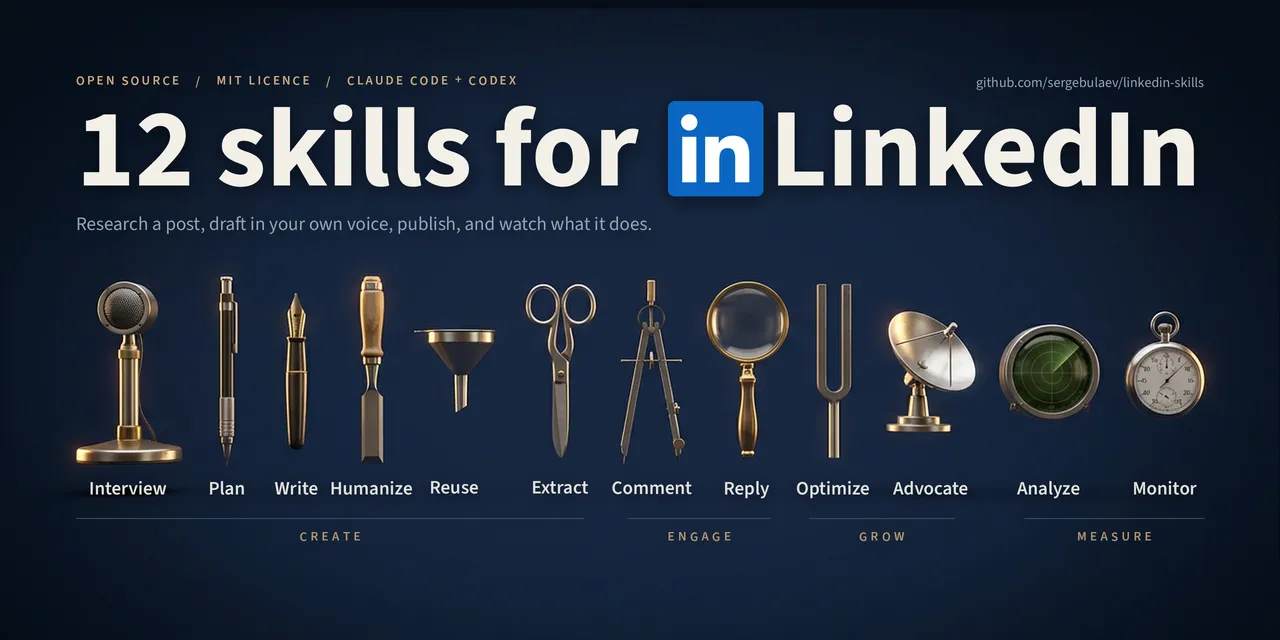
LinkedIn Skills: a practical guide for Claude and Codex
Install LinkedIn Skills, choose the right tool for each task, and move from raw ideas to reviewed LinkedIn drafts without losing your voice.

GuideAI
Five Claude Code tools: what to install and why
Session memory, context compression, model routing and project recommendations. Choose the addition that addresses your actual problem.