
AI
Five Claude Code tools: what to install and why
Session memory, context compression, model routing and project recommendations. Choose the addition that addresses your actual problem.
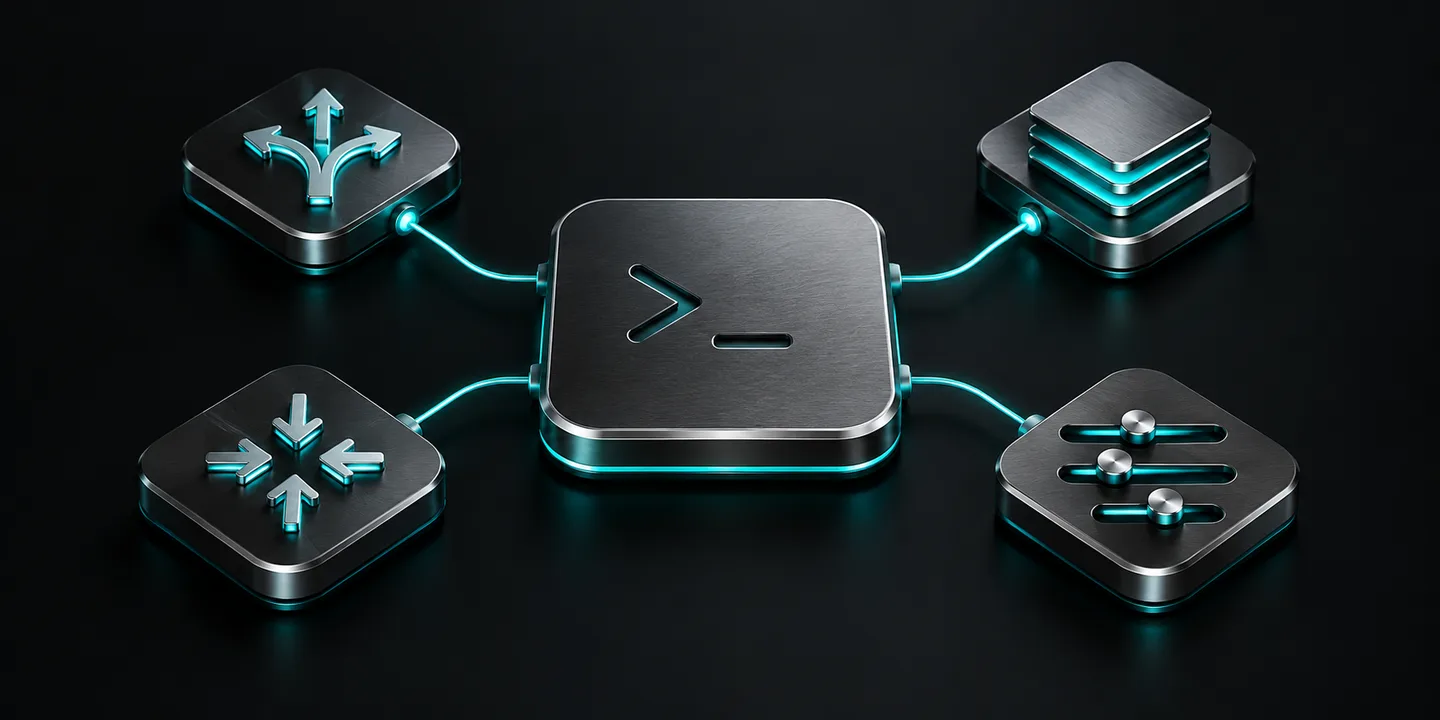
Claude-Mem adds memory between sessions, Headroom compresses context sent to a model, OmniRoute routes requests across providers, Claude Code Setup recommends project-specific automations, and Task Observer suggests skill improvements based on your work. They solve different problems. You do not need all five, and they do not all install as ordinary plugins.
This guide is for people already using Claude Code who want to choose an extension for a specific need. It does not cover extensions for the regular claude.ai chat. We reviewed the projects' documentation on October 1, 2026; this is not a hands-on benchmark of the tools.
Which tool fits your problem?
| Problem | Tool | Integration |
|---|---|---|
| Unsure which automations your project needs | Claude Code Setup | Plugin in Anthropic's official directory |
| Repeating context from earlier sessions | Claude-Mem | Memory plugin with a supporting service |
| Long logs and tool outputs fill the context | Headroom | In this guide: CLI wrapper and proxy |
| Need to manage multiple model providers | OmniRoute | Local model gateway |
| Repeating corrections and wanting better skills | Task Observer | Skill for logging observations and proposing improvements |
Before installing anything
Make sure Claude Code works in a test project without these additions. Back up your settings and note how you currently launch it. Enter /plugin commands inside a Claude Code session. Run npm, uv, and tool commands in your terminal.
Review what a plugin adds and where it will be enabled: one repository, all your projects, or shared team settings. For a personal experiment, choose local-only installation when available. See Anthropic's installation and scope instructions.
Start without secrets or customer data. Open-source licensing does not make model usage or hosted services free.
1. Claude Code Setup: start with the project's needs
Anthropic's recommendation plugin inspects your codebase and suggests additions such as skills, hooks, and MCP servers. Its documented recommendation workflow is read-only: it does not implement the suggestions or edit files. See the official Claude Code Setup repository.
Inside Claude Code, opened in your project:
You can also find it on the official Claude Code Setup page. This is the same tool, not another installation.
/plugin install claude-code-setup@claude-plugins-officialConfirm the installation scope and reload if prompted. Then ask:
Review this project and recommend two automations to add first.
Explain which problem each one solves. Do not edit files yet.
Check the result: look for recommendations tied to your project's actual tools and test commands, rather than a generic installation list. Pick one to evaluate. A separate request to implement it can change files even though the recommendation step does not.
2. Claude-Mem: keep context between sessions
Claude-Mem stores observations from tool activity, summarizes them, and brings relevant context into later sessions. It may help when ongoing work repeatedly needs the same explanations. Automatic memory should not replace maintained project documentation. See the Claude-Mem repository and installation instructions.
Inside Claude Code:
/plugin marketplace add thedotmack/claude-mem
/plugin install claude-mem
Restart Claude Code after installation and complete provider selection if prompted. Setup may offer sign-in and hosted memory. Check where information is stored and which provider processes it; do not assume everything stays on your computer.
Suggested test: make a non-sensitive decision in one session, such as a helper function's name. Start another session and check whether relevant context returns. This is a test you can run, not a guarantee that every detail will be retained or retrieved.
Installing claude-mem globally with npm alone does not install the plugin hooks and supporting service. Check exclusion and deletion controls before using real project data.
3. Headroom: reduce context before it reaches the model
Headroom reduces context sent to a model, including lengthy tool results. We use its documented CLI wrapper here. Benefits depend on the workload; a fixed saving or identical answer quality cannot be assumed. See the Headroom repository, installation instructions, and limitations.
With uv already installed, run in your terminal:
uv tool install --python 3.13 "headroom-ai[all]"
headroom doctor
headroom wrap claude --code-memory none
The --code-memory none flag skips the Serena integration the wrapper may otherwise add to user settings. This keeps the experiment focused on context compression. Launch Claude through the wrapper to use this path; installing the package alone is not enough.
Suggested test: compare a small task with long log output, with and without the wrapper. Check the resulting work and automated tests, not just token counts. The headroom perf command can help inspect performance data.
Local compression does not make the model local: content still reaches the model provider. If something breaks, return to your usual launch method and consult the documentation before changing more settings.
4. OmniRoute: manage request routing
OmniRoute is a model gateway, not a conventional Claude Code plugin. Consider it when you need multiple providers or request-routing controls. If one provider already meets your needs, this extra layer may be unnecessary. See the OmniRoute repository.
With a project-supported version of Node.js and npm, run in your terminal:
npm install -g omniroute
omniroute
Open http://localhost:20128, configure your provider and model, then follow the Claude Code connection steps in the OmniRoute setup guide. Do not paste an arbitrary API endpoint into existing settings or overwrite your entire configuration file.
Suggested test: send a non-sensitive request and check the logs for the actual provider and model used. Confirm who bills for the request. A local gateway still forwards requests to external providers; it does not grant unlimited Claude access or override provider terms.
5. Task Observer: turn corrections into improvement proposals
Task Observer by Eoghan Henn / rebelytics records patterns and corrections during work and proposes updates to existing skills or candidates for new ones. You review the proposals before applying them. Unlike Claude-Mem, its purpose is to improve working instructions rather than simply recover context. See the repository and installation instructions.
One documented terminal installation route:
npx skills add rebelytics/one-skill-to-rule-them-all --skill task-observerConfirm Claude Code as the target and choose the intended scope. For manual installation, keep SKILL.md, references/, and scripts/ together in the project's .claude/skills/task-observer/ folder.
Installation is not activation: follow the repository's activation instructions using CLAUDE.md or a session-start hook, then verify that the skill runs in a new session. You do not need to schedule automatic skill updates to try it.
Suggested test: correct a non-sensitive instruction during a task and ask to inspect the observations. Review one proposed change before accepting it. Observation logs may contain work details; inspect them before sharing or committing them to Git.
What should you try first?
Our recommendation: start with Claude Code Setup if you do not know what is missing. If the problem is already clear, go straight to the relevant tool: memory, context reduction, or routing. Add one tool, check a representative task, and only then consider another.
Do not start by combining Headroom and OmniRoute. Both can affect request routing, and we have not tested their compatibility as a chain for this guide. Keep a straightforward way to restore the original configuration.
Consider Task Observer when you repeatedly make the same corrections or maintain several skills. Start by reviewing proposals manually, without granting advance approval to change the whole skill library.
Frequently asked questions
Do they all install through the same menu?
No. Setup and Claude-Mem use the plugin mechanism here. Headroom and OmniRoute use terminal-based setup. Task Observer installs as a skill and also needs activation configured.
Are they free?
There is no single price for the whole setup. Check each project's license, optional hosted services, and model-provider charges before connecting accounts or entering payment details.
Do I need all five to use Claude Code?
No. An addition is worthwhile when it solves a problem you actually encounter. Each extra tool also adds configuration, permissions, and maintenance.
Can I use sensitive data?
Do not assume so. Review retention, processing providers, permissions, logs, and deletion options. In a team, get approval before adding a service that can access code or business information.
Keep it for later
Take the guide with you
Save the complete guide to read and annotate offline, or print a copy to keep beside you while you work.
Keep reading

GuideAI
find-skills for Claude Code: how to find, vet and install Skills
I ran find-skills and its CLI on my machine: how to install it, how to search, what to check before installing a Skill, and what the install counts really show.

ArticleAI
I Spent a Week with the DeepSeek Harness — Here's How It Compares to Claude Code
A week-long hands-on comparison of DeepSeek Harness and Claude Code - speed, reliability, and design quality, from someone who ran both side by side on the same real tasks.

ArticleAI
How I reduce context and usage waste in Codex and Claude Code
Twelve practical ways I keep context focused, choose models deliberately, and reduce wasted usage when working with coding agents.