
How to connect a Claude subscription to OpenClaw 2.0: full VPS setup in 2026
ByGilad Dor Levi
Anthropic blocked Claude subscriptions in OpenClaw in April 2026, and version 2.0 brings them back. My step-by-step VPS setup with setup-token and Telegram, plus what's new and what to check before upgrading.
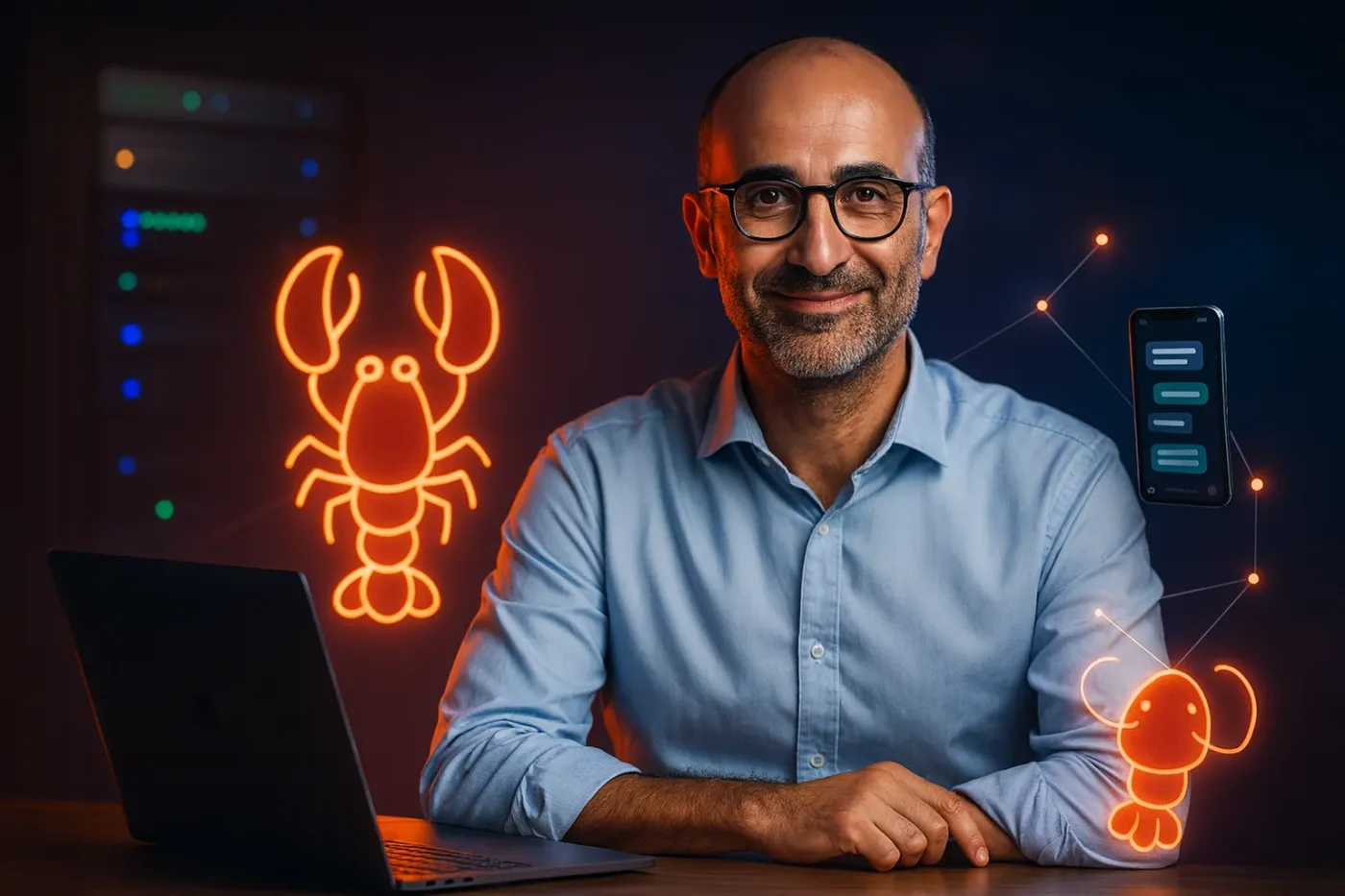
You connect a Claude subscription to OpenClaw 2.0 in two commands. Run claude setup-token on a machine with Claude Code, then paste the token into openclaw models auth login --provider anthropic --method setup-token on your server. I did the whole thing on a VPS, from an empty server to a first Telegram reply.
Key points
- In April 2026 Anthropic blocked Claude subscriptions inside OpenClaw. In OpenClaw 2.0 (v2026.8.1, released August 30, 2026) the OpenClaw Claude subscription route works again.
- According to the OpenClaw docs, Anthropic staff told the team this use is allowed again. It holds only until Anthropic publishes a new policy.
- The 2.0 release merged more than 16,000 pull requests from 933 contributors, according to InfoQ. That is about half of all pull requests in the project's history.
- My setup took one VPS (2 cores, 8GB RAM), one Telegram bot, and a few minutes per step.
What this guide covers
- What changed with OpenClaw and Claude subscriptions
- Whether using your subscription is allowed
- Why I run OpenClaw on a VPS
- The five setup steps, from server to first message
- Subscription vs. API key
- What else is new in OpenClaw 2.0
- How secure 2.0 is
- Whether to upgrade now
- FAQ
What changed with OpenClaw and Claude subscriptions in 2026?
In April, anyone running OpenClaw on a Claude subscription woke up to find it had stopped working. Anthropic blocked the route, and plenty of people dropped the tool because of that. Version 2.0 brings it back. You can connect your Claude Pro or Max subscription again and talk to Anthropic's models from inside OpenClaw.
The new setup flow also detects what you already have. According to InfoQ, OpenClaw 2.0 can find existing ChatGPT or Claude subscriptions, API keys, and locally installed models. It then moves the rest of the configuration into a conversation with the agent after it starts. I wanted to see this for myself, so I tested it from scratch.
Is it allowed to use a Claude subscription in OpenClaw?
Right now, yes, with a caveat. The OpenClaw docs say Anthropic staff told the team that reusing the Claude CLI inside OpenClaw is allowed again. OpenClaw treats it as sanctioned unless Anthropic publishes a new policy.
That's enough for me to try it. It's not enough for me to build a business on it. If the policy changes tomorrow, everything stops again, which is exactly what happened in April. The same docs recommend an API key for production. A setup token draws on your subscription's usage limits rather than separate billing.
The subscription route is fine for personal use and experiments. For business automations, the OpenClaw docs point to an API key.
Why run OpenClaw on a VPS instead of your laptop?
A personal agent needs to run all the time. I don't want it going down when my laptop lid closes or the power cuts out at home. I also don't want it on a machine I might leave in a coffee shop. So I put it on a virtual private server, closed off and remote.
I used Hostinger, which offers a near one-click OpenClaw install. I picked the KVM 2 plan: two cores, 8GB of RAM, a 100GB disk and 8TB of monthly traffic. For one personal agent that's plenty. On the checkout page I removed the AI credits add-on. The model runs through the subscription, so there's no reason to pay twice.
How do you install OpenClaw on a VPS?
Once the server is ready, the panel asks what you want to install. If OpenClaw isn't offered right away, follow these steps:
- Open your VPS in the Hostinger panel and click View all.
- Under Popular, find OpenClaw (the one with the red lobster).
- Click Select. A form opens with the agent name and fields for provider keys.
- Leave the Anthropic key empty. You connect the subscription later.
- Fill in the Telegram token (next step), then click Deploy. After a minute or two, the container status changed from Created to Running. I also added Traefik from the same screen for secure routing to the containers. It came up in under a minute.
How do you connect a Telegram bot to OpenClaw?
A big part of OpenClaw's value, in my view, is using it from your phone away from your desk. To connect Telegram you need your own bot:
- In Telegram, search for BotFather and tap Start.
- Send
/newbot. - Pick a display name, then a username that ends in
_bot. - Copy the token you get back. Keep it private.
- Paste it into the Telegram Token field in Hostinger and deploy.
How do you connect your Claude subscription with setup-token?
This is the core of it. On my own computer, which already has Claude Code installed, I ran:
claude setup-token
A browser opened. I approved with Authorize and went back to the terminal. A long token starting with sk-ant-oat01- was waiting there. Treat it like a password: no screenshots, no pasting it into chats.
Next, in Hostinger, I clicked Terminal next to the OpenClaw container. That opens a shell inside the container on the server. There I ran:
openclaw models auth login --provider anthropic --method setup-token
OpenClaw asked for the token. I pasted it and got an instant confirmation, with Claude set as the default model. The message ended with a note that the Anthropic team told them this path is allowed again.
How do you approve yourself and send a first message?
BotFather's chat includes a link to your new bot. I opened it and tapped Start. The bot replied that access wasn't configured yet and offered an approval command with a personal code. I pasted that command into the container terminal and got Approved with my user ID. Your code will be different, so copy whatever your bot sends.
OpenClaw also has a web UI. In the Hostinger panel I copied the Gateway token, clicked Open in the Access column, and logged in with it. In the model picker, the Anthropic models were marked Subscription. That's how you know the connection worked. I picked a model, set the effort level to high, and typed Hi. A reply came back in a few seconds.
Then I tried Telegram. I typed hello, saw "typing" right away, and got an answer within seconds. It showed up on my watch too. That's when it clicked that the agent is reachable from anywhere.
Subscription or API key: which should you use?
Here is how the two options compare, based on the OpenClaw Anthropic docs:
- Billing: setup-token uses your subscription's usage limits. An API key is pay-as-you-go, billed separately.
- Policy risk: setup-token depends on Anthropic's current stance, which already changed once in 2026. An API key is the officially supported path.
- Best fit: setup-token suits personal use and testing. An API key suits production automations with predictable costs.
- Setup effort: both take a few minutes. Setup-token needs Claude Code installed on one machine.
What else is new in OpenClaw 2.0?
The subscription is one change among many. Before 2.0, the team shipped 106 releases in 230 days, almost one every two days, according to Decrypt. Then they went quiet for about seven weeks. Their explanation: the team grew, and the work outran the project's foundations and release process. They rebuilt both and took time to make upgrades safe.
Vincent Koc, OpenClaw's chief architect, summed it up to InfoQ: "We shipped the biggest lobster ever. 50% of all PRs since project inception in this one release." The changes that stood out to me:
- A rebuilt browser app. It opens straight into a conversation, and you finish most of the setup by talking to it. According to Decrypt, JavaScript requests on load dropped from 140 to 45, and startup time fell from 1.6 seconds to 575 milliseconds.
- Shared cloud sessions. Several people can work in one conversation, with roles such as read-only, suggest, draft, or full participation.
- Built-in memory. The agent pulls relevant context from your other conversations. A background process called dreaming moves repeated information into long-term memory. Another process turns a workflow that has proven itself into a reusable skill.
- Session storage moved to SQLite, according to Help Net Security.
933 contributors, 569 of them first-timers, worked on this release, according to Decrypt.
The memory features follow the direction Nous Research's Hermes Agent took. Decrypt notes that Hermes has been pulling in users frustrated with OpenClaw's setup since March 2026. Has the gap closed? Too early to say. Each project is clearly borrowing from the other.
How secure is OpenClaw 2.0?
Easier setup didn't bring safer defaults. The Register pointed out three gaps. Shared session controls have no network or file-system security boundary. Secret Store values, such as API keys, are not encrypted at rest. And the sandbox for running untrusted code is not on by default.
The OpenClaw docs say the same about shared sessions: the controls make collaboration understandable, but they are not a security boundary. Use shared sessions only with people you trust. If you need real separation, run separate agents. I wrote more about this in my zero-trust guide for AI agents.
Should you upgrade to OpenClaw 2.0 now or wait?
Early reactions were mixed. According to InfoQ, some users upgraded smoothly. Others hit migration problems, broken gateways, lost automations, and authentication issues. My recommendation depends on where you start:
- Already running OpenClaw and happy with it: there's no rush. Take a full backup first. The install page warns that rolling back without a backup hides sessions created after the upgrade. Upgrade straight to the latest patch release, not the first 2.0 build.
- Starting from scratch: this is the easiest way in so far, because setup starts from what you already have, including your Claude subscription.
- Running business automations: keep them on an API key until Anthropic's policy settles.
FAQ
Do I need Claude Code to use my Claude subscription in OpenClaw?
Yes, on one machine. You run claude setup-token there to create the token. The machine can be your laptop. OpenClaw itself can run anywhere, including a VPS.
Which Claude plans work with OpenClaw?
The setup-token route uses a Claude subscription, such as Pro or Max. Usage counts against that plan's limits. It does not create separate API billing.
Can Anthropic block this again?
Yes. The OpenClaw docs treat the route as allowed only until Anthropic publishes a new policy. It was blocked once already, in April 2026.
How much server do I need for OpenClaw?
For one personal agent, a VPS with 2 cores and 8GB of RAM was more than enough in my test. Heavy multi-user setups may need more.
Is my Telegram bot safe to use with OpenClaw?
Only approved users can talk to it. The bot asks new users to run an approval command on the server first. Keep the bot token private, because anyone with it can control the bot.
What's the difference between OpenClaw 2.0 and v2026.8.1?
They are the same release. The official version number is 2026.8.1. The project and the press call it OpenClaw 2.0.
Next steps
If you want to try this, here's a realistic timeline:
- Day 1: rent a VPS, install OpenClaw, create the Telegram bot, and connect your subscription with setup-token.
- Days 2 to 7: use it daily from Telegram for small personal tasks. Watch how fast you hit your subscription limits.
- Week 2: decide which tasks deserve an API key, and move anything business-critical there.
- Ongoing: back up before every upgrade, and check Anthropic's policy page now and then. For the bigger picture on subscriptions, interfaces, and skills, see my post on the agentic engineering stack. If you're running agents in production, the agent harness and LLMOps guide covers monitoring.
Sources
- OpenClaw docs: Anthropic provider, accessed October 2026
- InfoQ: OpenClaw 2.0 Releases with Simplified Setup and Collaborative Agents, September 2026
- Decrypt: OpenClaw 2.0 Is Here, September 1, 2026
- Help Net Security: The OpenClaw 2.0 release moves your sessions into SQLite, August 31, 2026
- OpenClaw 2026.8.1 release notes on GitHub
- OpenClaw on Wikipedia, for The Register's security review
Keep reading

ArticleAI
OpenClaw + Jev: Stop Burning 26,000 Tokens on "Thank You"
A single "thank you" can cost OpenClaw around 26,000 tokens. Here's how I put TypeSafe AI's Jev in front of it, a model that returns a decision instead of text, and cut that to about 400.
GuideAI
Five Claude Code tools: what to install and why
Session memory, context compression, model routing and project recommendations. Choose the addition that addresses your actual problem.
GuideAI
find-skills for Claude Code: how to find, vet and install Skills
I ran find-skills and its CLI on my machine: how to install it, how to search, what to check before installing a Skill, and what the install counts really show.
Follow us
TikTok · X · Instagram · Telegram
Ready to automate?
Let’s build a system that works for you — not the other way around.