
Git worktrees: how to run two Claude Code sessions in parallel
A walkthrough of git worktrees, the git feature that checks out several branches into separate folders at once, and why it turns out to be exactly what parallel AI coding sessions need.
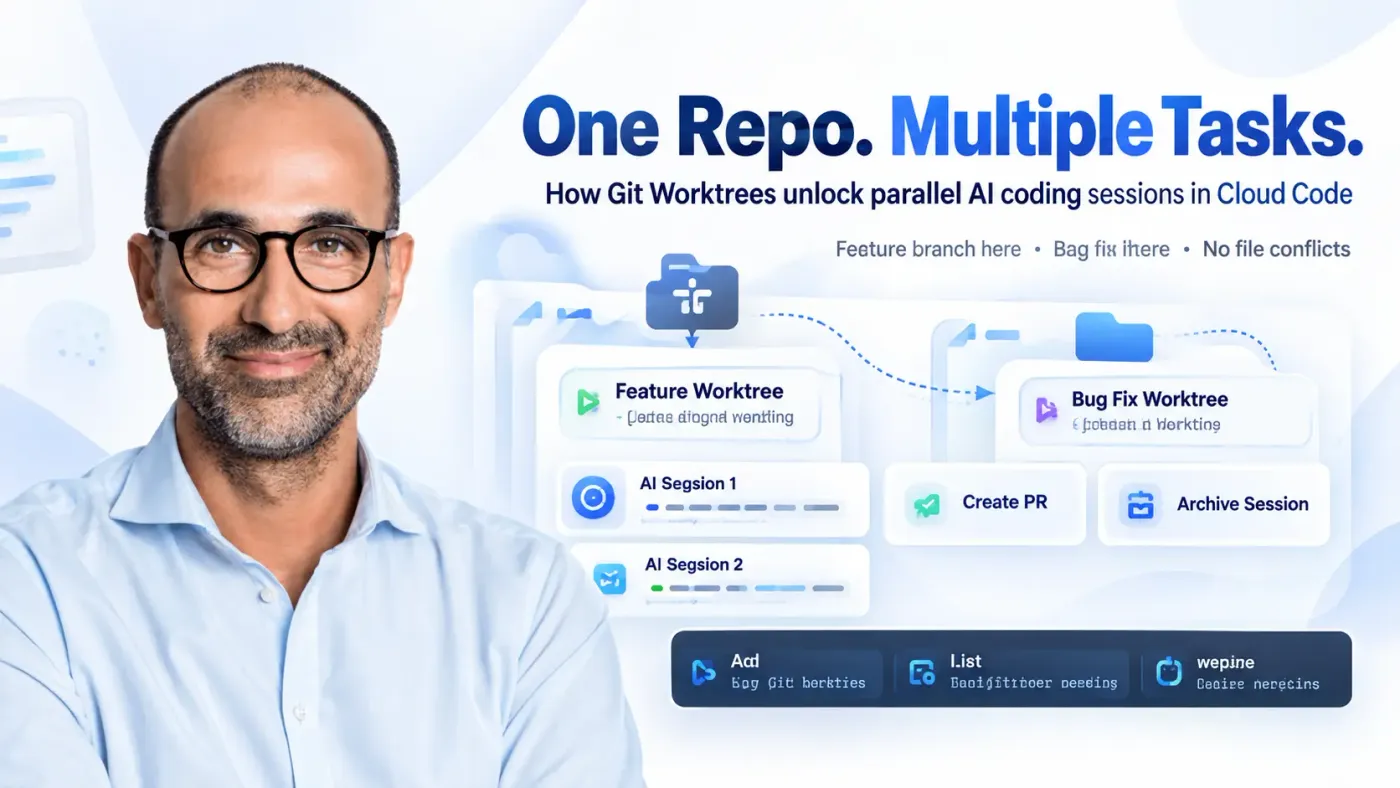
i will walked through git worktrees this week, and it solved a problem that's been nagging at me since I started running more than one AI coding session at a time: what happens when two of them need to touch the same repository at once.
The branch-switching problem, before AI agents entered the picture
The usual git workflow is familiar. You open a project folder, make changes, and that folder is your working directory. Start a feature and you branch, edit, commit, open a pull request. Fix a bug and you do the same thing on a different branch.
The friction shows up when an urgent bug lands while a feature is half finished. You stash or commit the unfinished work, switch to main, branch off for the fix, fix it, then switch back and pick the feature back up. That's fine when a person is doing the switching, since a person can only really focus on one thing at a time anyway.
Why that stops working once an agent is doing the coding
Delegating work to Claude changes the constraint. One session can work on a feature while another fixes a bug, and neither has to wait for the other to finish. Except a single working directory still only has one branch checked out at a time, so if one session is mid-task and something switches the branch under it, its files change out from under it. Opening a second AI session in that same folder doesn't fix anything either, since both sessions are still reading and writing the exact same files.
What actually solves it is giving each branch its own folder, which is exactly what git worktrees do.
What a worktree actually is
A worktree lets you check out several branches from the same repository at the same time, each in its own folder. One session works in the feature folder, another works in the bug-fix folder, and changes in one don't touch the working files in the other. Both folders still point back to the same repository and share its full git history, so this isn't spinning up separate copies of the project. It's branches as usual, just with separate places to actually stand while working on them.
The raw git commands behind this are worth knowing even if a tool ends up running them for you:
git worktree add -b fix/example ../project main
That creates a new branch called fix/example, checked out into a folder at ../project, starting from main. git worktree list shows every worktree attached to the repository and which branch each one has checked out. Once the work is merged, git worktree remove ../project cleans the folder up, run from the original project directory.
Running two Claude Code sessions on the same repo
Claude Code's desktop app can handle all of this without touching those commands directly. Starting a new session gives you a worktree checkbox, and checking it is enough.
The demo used two real tasks on an open-source project the presenter maintains: an agentic app framework with a couple of companion apps. Task one was redesigning a landing page, matching the layout of a sibling product's page and swapping in copy that had already been written with SEO in mind. Task two was replacing the favicon with a new monochrome version of the logo.
Both prompts went into separate worktree sessions, running side by side. One wrinkle showed up almost immediately, and it's the detail that stuck with me most: Claude Code's default branch naming pattern is claude/slug, but the presenter wanted feature/slug and fix/slug instead, and had to spell that preference out explicitly in the prompt for it to stick. Even then, one session picked a claude/-prefixed name at first and needed a follow-up correction before it settled on feature/slides-landing-redesign.
Neither session touched the other's files while both ran. The favicon session finished first, checked its own work by loading the dev server and confirming the new icon rendered, and opened a pull request. Its diff contained only the icon files, nothing from the landing page work happening in the other worktree at the same time. Merging that PR and archiving the session let Claude Code clean up the worktree automatically, which is the kind of detail that makes me want to copy this workflow. The landing page session kept running afterward, verifying its own result in an in-app browser before it, too, was ready for a pull request.
The part worth remembering
Worktrees aren't new, and they're not specific to any one AI tool. Claude Code, Codex, and Cursor can all make use of them. What changes with AI coding agents is the reason to bother: as soon as more than one task can run unattended at the same time, having each one own its own folder stops being a nice-to-have and starts being the thing that keeps two sessions from quietly corrupting each other's work.
Follow us
TikTok · LinkedIn · X · Instagram · Telegram
Ready to automate?
Let’s build a system that works for you — not the other way around.